
Calorify
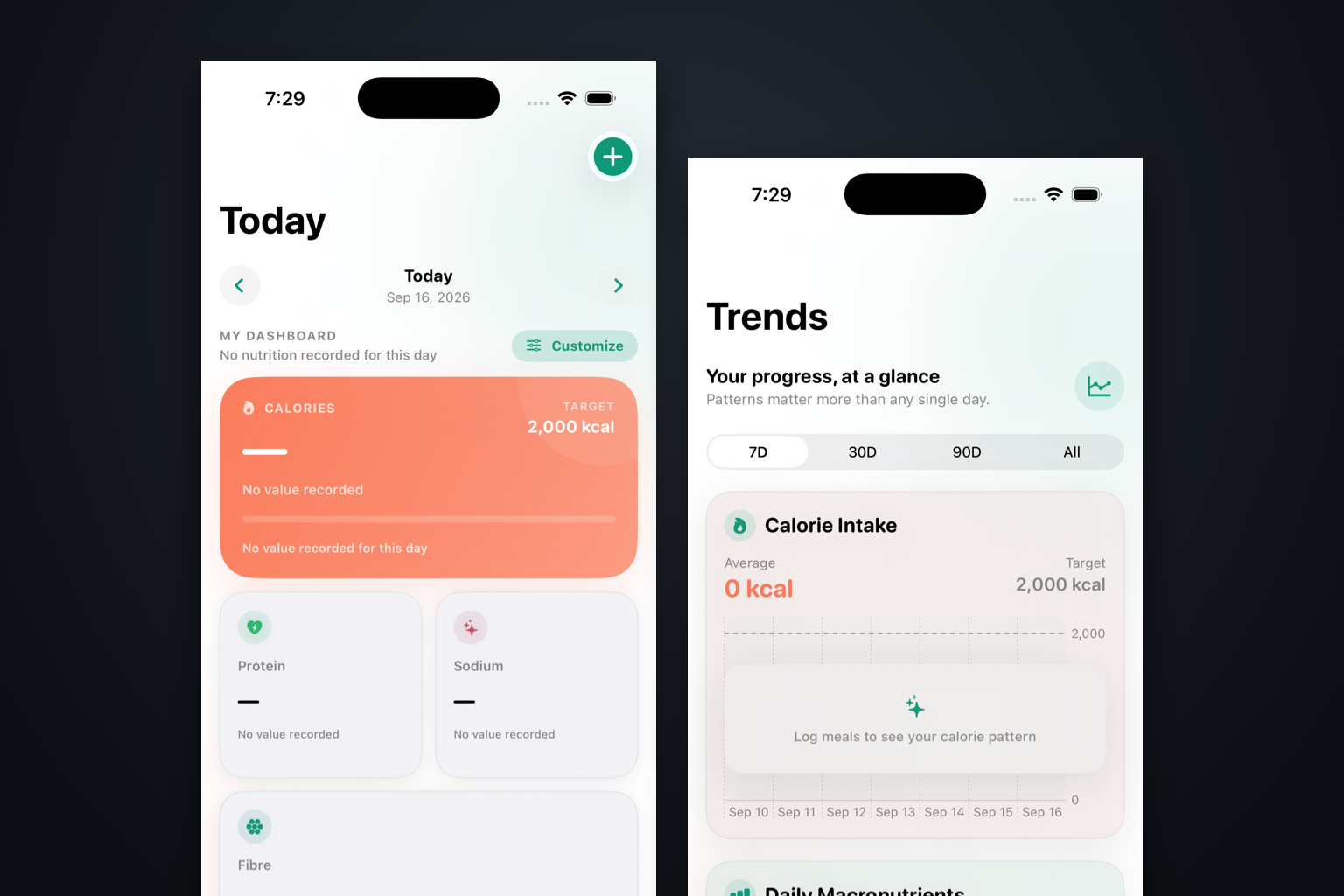
A simple, local-first iOS nutrition app that started as a replacement for my calorie tracker and is becoming a better way to see the data I already have.
Why I started it
Calorify began as a replacement for the calorie-counting app I use. I wanted the quick path to be practical: photograph a Canadian nutrition label, scan a barcode, or pick a basic food I already know. I got tired of correcting inaccurate entries in other apps.
Community contributions still have a place, especially for foods that are harder to enter yourself. Takeout menus from places like Dairy Queen and A&W often publish nutrition information online, but turning that into a dependable food entry is still tedious.
What it is becoming
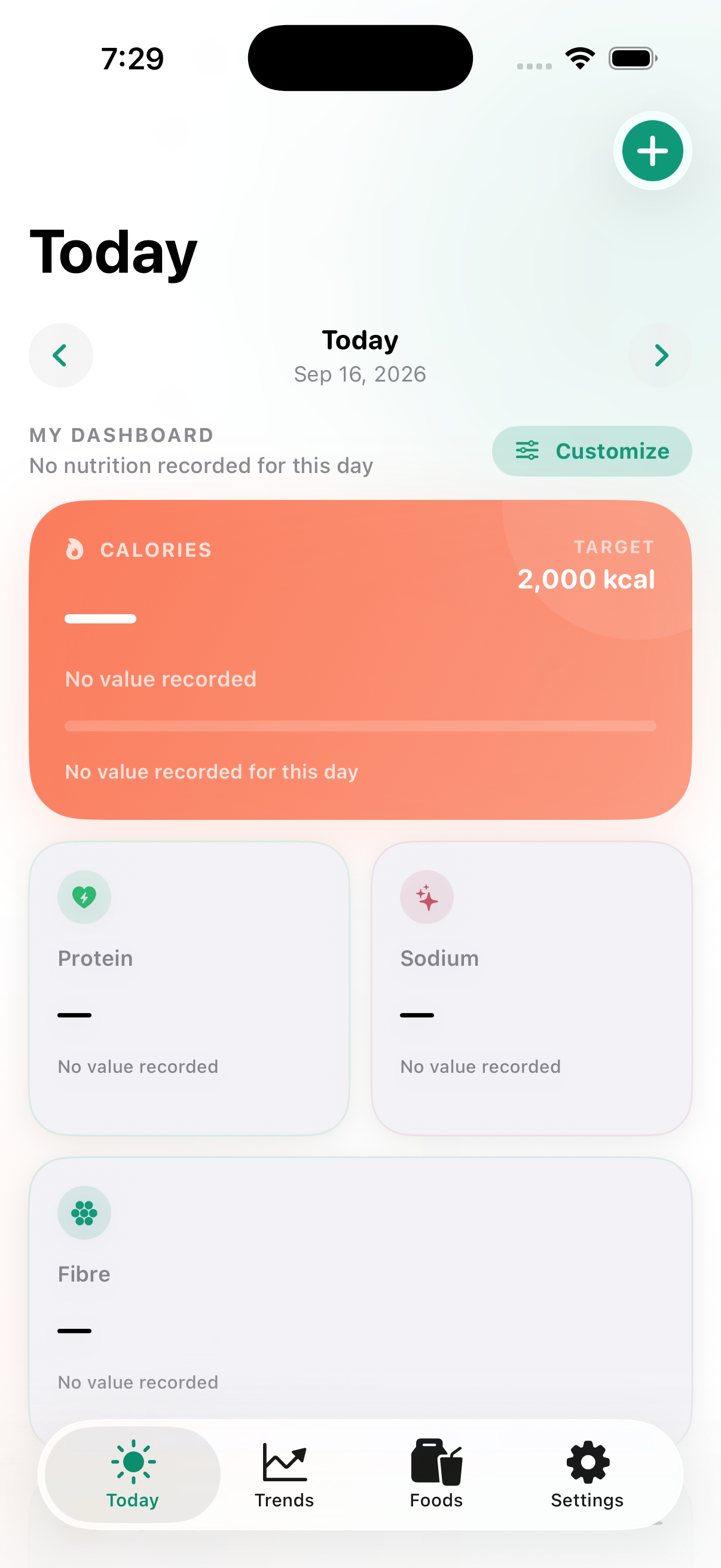
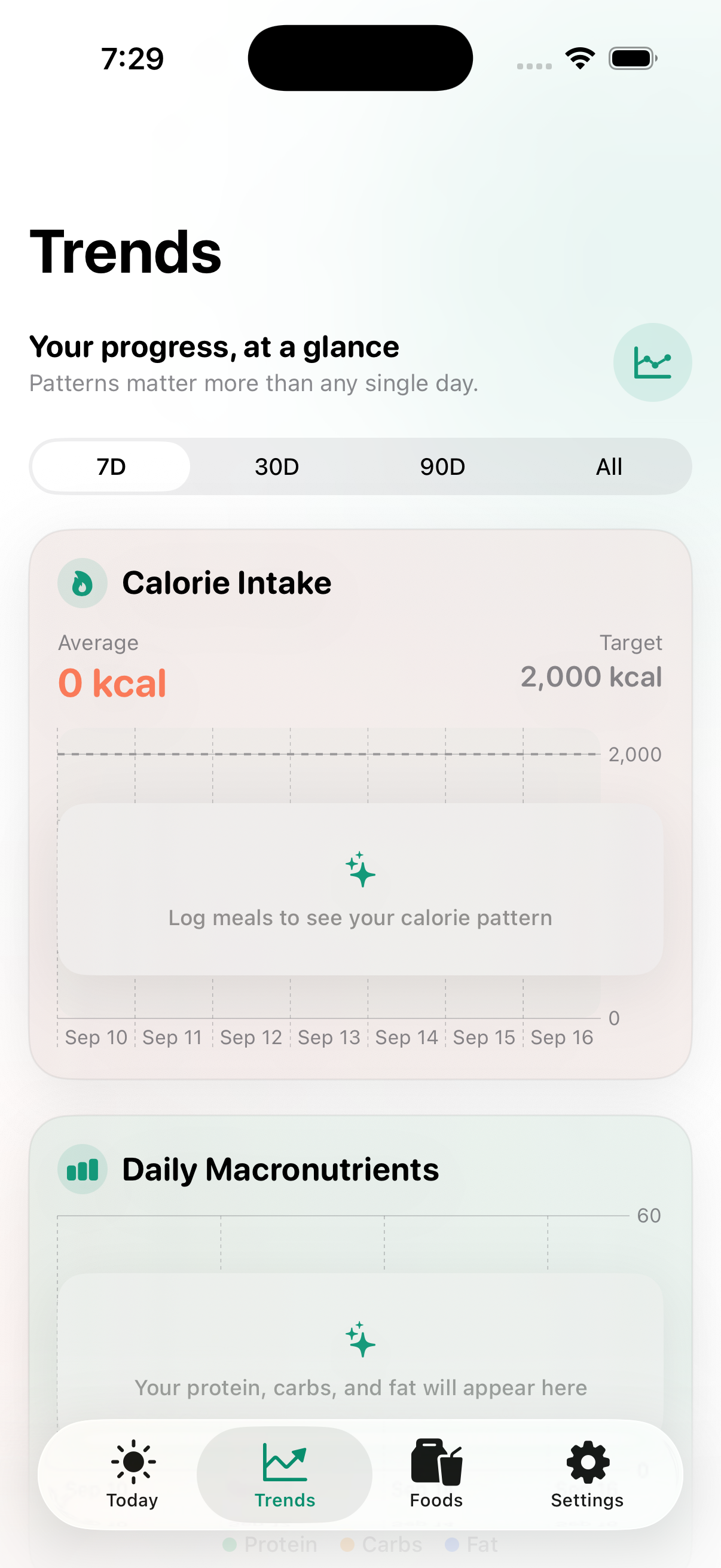
Calorie trackers are already a crowded category. Calorify’s more interesting job is a simple, local-first view into nutrition data that already exists, with HealthKit sync and iCloud backup for custom foods. Food logging, label scanning, and reusable foods still matter, but they support the view rather than define it.
A few choices I care about
There’s no account to create and no advertising. If I only want to log calories, that should be enough. If I scan a label, I should be able to check and correct what the app read before saving it.
Where it stands
The app is in active development. I’m working through the dashboard, data sources, and everyday logging flow with a simpler test: does this make existing nutrition data easier to understand?
Project timeline
Along the way
- Latest update
The useful part turned out to be the view
I started by trying to replace my calorie-counting app, but that space is already crowded. The more useful role is a custom view into data I already have. Community contributions still matter for foods that are harder to enter yourself — Dairy Queen, A&W, and other takeout with nutrition information online — while the app stays simple, local-first, HealthKit-connected, and able to back up custom foods to iCloud.
Start: replace the calorie tracker I actually use
I wanted a simpler way to add food — take a picture of a Canadian nutrition label, scan the barcode, or choose from a few basic foods I know. Other apps get those details wrong often enough that I was tired of correcting them. Keeping everything local, syncing with HealthKit, and backing up my custom foods to iCloud were part of the plan from the beginning.